
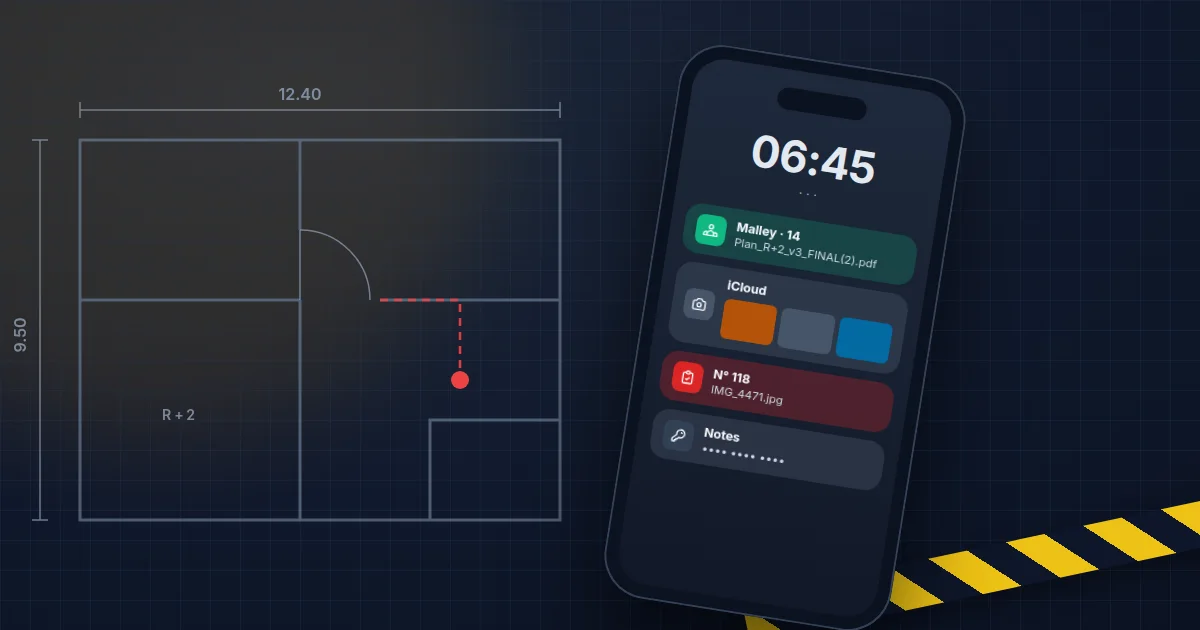
In most construction companies I walk into, the server sleeps in a cupboard at the office, backed up more or less well, but at least someone knows it exists. The site managers' phones have nobody in charge of them. Yet they carry the plans, the architects' emails, photos taken inside clients' homes and the team's hours.
To see what that looks like, let us follow one through a day. This one belongs to a fictional site manager we will call Marco, on a site in Malley. None of what happens to him is unusual in the trade.
6:45 am, in the van
The phone works as a satnav and as a hotspot for the tablet. An email from the architect arrives before the first coffee: a measurement on a second-floor opening has changed.
This phone is Marco's own. The company pays him a monthly allowance, and he set up the work email on it himself. Nobody set a lock code worth the name, and nobody could say what is on it. The day Marco changes employer, all of it leaves with him, and nothing forces anyone to notice.
7:30 am, the plan that arrives on WhatsApp
The architect also posted the revised plan in the “Malley site” group. The file is called Plan_R+2_v3_FINAL(2).pdf, which suggests there is a FINAL(1) and perhaps a v4 somewhere. The formwork crew is working from the one they received on Monday.
The group has fourteen members. Among them, a foreman who left in the spring and a subcontractor's apprentice who no longer works on this site. Nobody removed them, because nobody is in charge of doing it. In a WhatsApp group, the company has no say over who is a member.
10:15 am, the photos
Marco photographs progress for the client, then the alarm panel of the house next door, whose cable needs moving. The photos land in his gallery and sync automatically to his personal iCloud account, next to his holiday pictures.
Nothing malicious there. But the company has just stored information about a client, their address and the location of their alarm system, in a private cloud it does not control and will not be able to empty the day Marco leaves.
12:10 pm, lunch
The phone stays on the seat of the excavator during the break. That day, it is still there afterwards. The week before, on another site, a colleague lost his in a skip. It took two days to recover his access, and nobody could wipe the device remotely: it was not registered anywhere.
4:30 pm, the daywork slip
The client asked for extra work. Marco fills in a daywork slip on paper, has it signed, photographs it and sends it to the office over WhatsApp. The paper ends up folded in his pocket, then on the dashboard of the van.
At the office, the slip will be retyped on Friday along with the others, for payroll and invoicing. If the photo is blurred or a line was missed, someone calls Marco, who no longer quite remembers. Daywork invoiced late is often daywork the client disputes. This is exactly the kind of task that can be automated without changing tools: a form on the phone, signed on screen, that goes straight to the office.
The day Marco leaves
He hands back the van key. The phone is his, so he keeps it. On it remain the company email, still connected, three years of site photos, the depot gate codes in his notes, and his place in a dozen WhatsApp groups.
Most of the time, he will do nothing with any of it. But the company does not know that, and it has no way of checking.
What we put in place, without making life harder for the crew
Field teams work under one simple rule: anything that adds a step will be worked around within the week. The settings that last are the ones you barely notice.
We start by enrolling the phones in a device management tool. On a company phone, we manage the whole device: mandatory lock code, updates, remote locking and wiping. On a personal phone, we create a separate work space, and the company only sees and wipes that space. Marco keeps his holiday photos to himself.
Next, each site gets its shared folder, in Microsoft 365 or at Infomaniak, with the current plans and a subfolder for photos. The phone's camera app can save straight into it. WhatsApp stays for talking, documents live in the folder, and when someone leaves, their access is removed in a minute.
That leaves the leaving procedure. On the last day, we disable the account and wipe the work space; if the phone belongs to the company, we collect it and reset it. The whole thing fits on half a page, and that half page is missing almost everywhere.
If you want to know where your own site phones stand, it is one of the points I review on site during a Flash Diagnostic. The page on IT for construction companies covers the rest, from the technical office to the depot.
Frequently asked questions
Can we manage an employee's private phone?
Yes, without touching their private life. On Android and iPhone alike, you can create a separate work space: the company's apps and data live there, and the rest of the phone stays invisible to the employer. If the employee leaves or loses the phone, only that space is wiped. Explain clearly what the company can and cannot see, which is also what Swiss data protection law expects.
Should we ban WhatsApp on site?
No, and it would be a lost cause. WhatsApp is very handy for coordinating. The problem is the plans, client photos and signed slips that travel through it while nobody manages who is in the group. Keep WhatsApp for talking, and put documents in a site folder whose access the company controls.
Should everyone get a company phone?
Not necessarily. For site managers and foremen, who carry plans, client emails and access, a company phone makes things much simpler, especially when someone leaves. For everyone else, a work space on their own phone is often enough.
We already have Microsoft 365. Do we need another tool?
Perhaps not. The Microsoft 365 Business Premium licence already includes Intune, Microsoft's device management tool. With a simpler licence, there are separate options. Review your licences before buying anything.

Written by
David Cunha
Founder · Technical director, AlpenData
A computer engineer with over 10 years of experience managing systems, networks and infrastructure, David helps Swiss SMEs with their IT, security and compliance.
More about AlpenData →